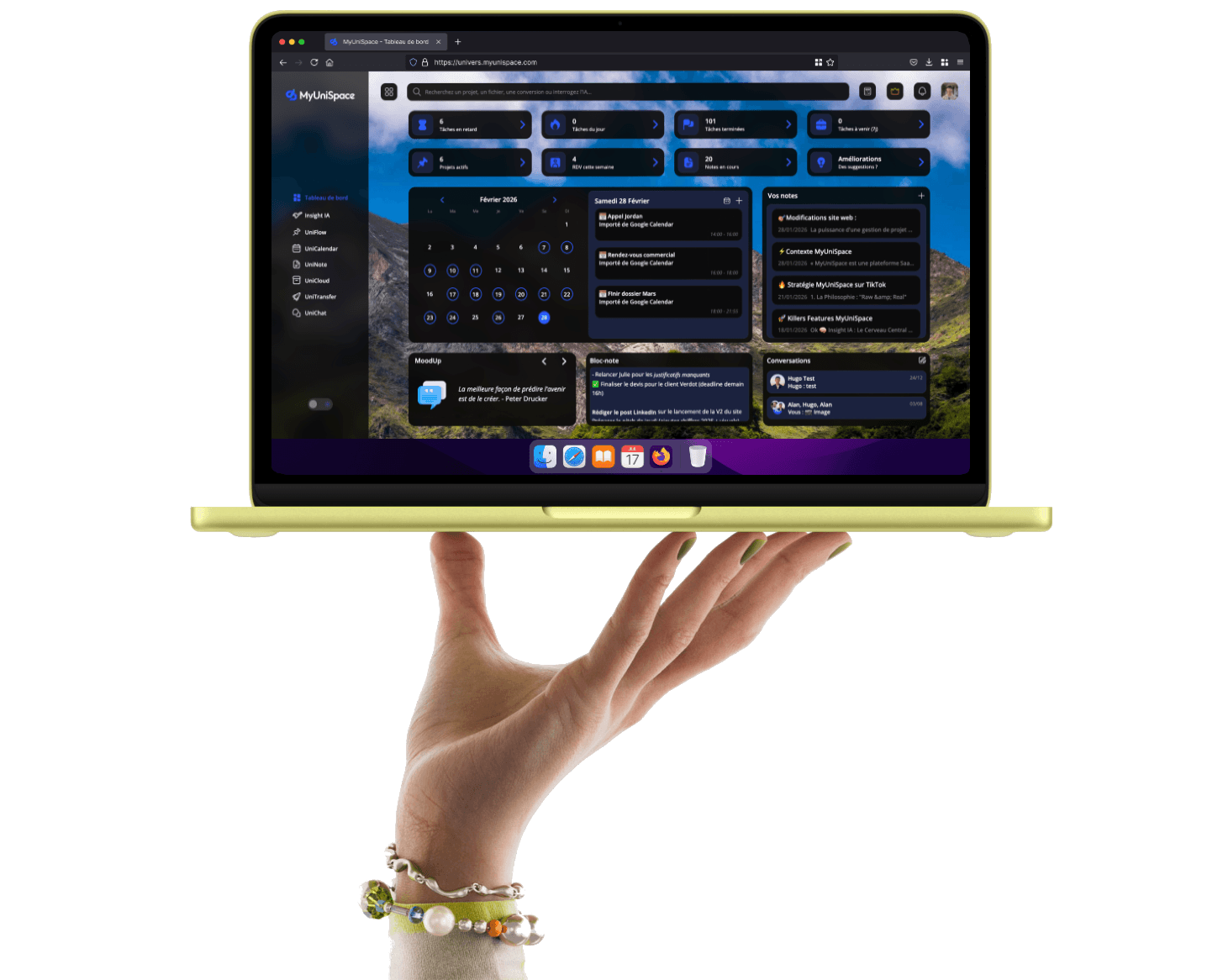

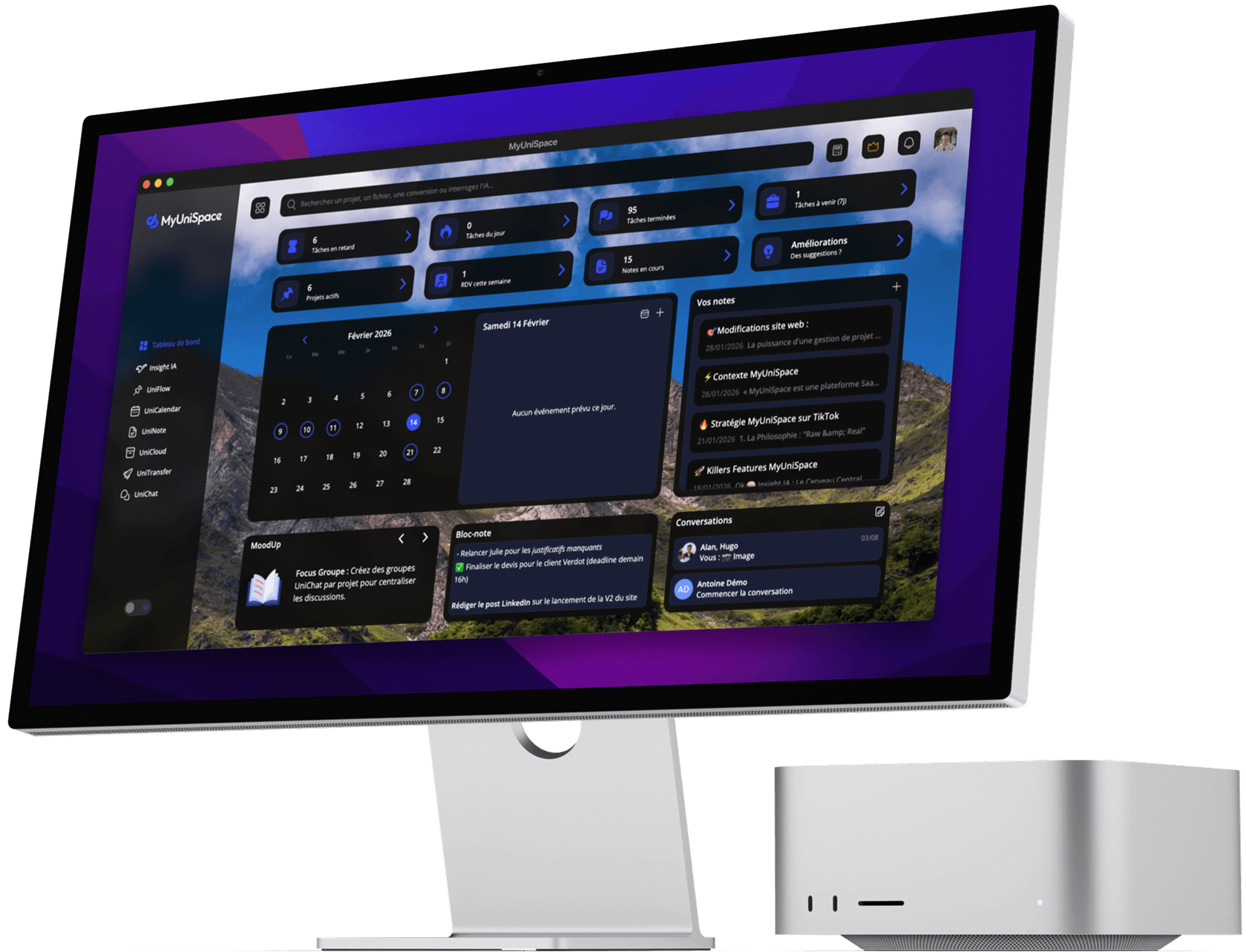
Keep your habits.
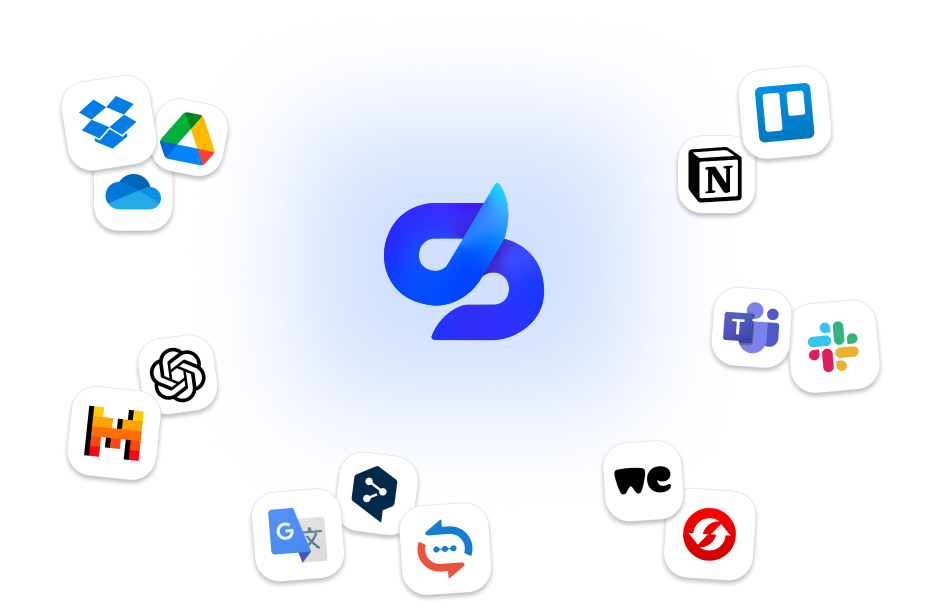
MyUniSpace Not to replace everything, but to simplify everything. Connect your current tools in a few clicks and finally work without changing the tab.
Keep using what you like. Better. ✨
Are you already comfortable with Google or Microsoft? Perfect. MyUniSpace adds to the existing, not replace it. Everything becomes accessible in the same place.
Connect. Centralize. Breathe.
Take control of your day. Integration MyUniSpace remove friction and unnecessary microtasks. You just work better.
Google Drive
File
Access your files via UniCloud, share them in UniChat and Insight IAor link them to your UniFlow projects.
Google Calendar
Calendar

Sync your Google events with your schedule MyUniSpace for a unified view.
Microsoft OneDrive
File
Find your documents in UniCloud, integrate them into your UniFlow tasks and send them to UniChat or Insight IA.
Microsoft Calendar
Calendar

Embed your Outlook appointments automatically into your calendar MyUniSpace.
Dropbox
File
View your data on UniCloud, add it to your UniFlow folders and transmit it via UniChat and Insight IA.
Slack
CommunicationCentralize your Slack channels and messages directly in the UniChat interface.
Frequently Asked Questions
-
What services are compatible?
We manage the standards: Google (Drive, Calendar), Microsoft (OneDrive, Outlook) and Dropbox. New ones are added regularly.
-
Is it complicated to configure?
No. It's the anti-gas plant. Three clicks are enough for direct, secure and real-time synchronization.
-
Can I stop everything whenever I want?
Yes. You keep full control. You can turn on or off a connection instantly from your dashboard.
-
Are my calendars private?
Confidentiality is our priority. Your personal events remain invisible to your team unless you explicitly decide to share them.
-
Does synchronization work in both directions?
Yes. Edit an event in MyUniSpace, it updates in your usual calendar. Zero double-entry.
Take control.
Test MyUniSpace free of charge and see what your team can do without unnecessary tasks.