
You juggle between platforms, passwords, scattered files, and extended tasks? In 2025, productivity is no longer the one who works the most... but the one who knows how to equip intelligently, for free, and efficiently.
In this article, discover the best free productivity tools to save time, simplify your business daily, and boost your organization – without spending a cent.
💼 Why use free productivity tools?
Before listing the best tools, let's ask ourselves once and for all: why have they become indispensable in modern work management?
- ⚙️ Automate repetitive tasks
- 📂 Centralize information and files
- 🧠 Avoid forgetfulness through reminders and tables
- 🔁 Collaborate in real time, remotely
- 💆♂️ Reduce the mental load drastically
But still have to choose the right toolsThose who fit well into your daily use... and your brain.
🏆 Top 5 best free productivity tools in 2025
1. 🧱 Concept – The giant of intelligent databases
💻 Tested in daily personal + professional use
Notion, it's kind of like a digital Lego. You leave a blank page, then you assemble: to-do, calendar, CRM, gallery, database, shared notes...
It took us a long time to understand its true potential. But once it's launched, it's a killing.
✅ Highlights:
- Its absolute flexibility, which allows you to do everything... provided you take the time
- One fluid collaboration, perfect in team
- A huge community, full of free templates
⚠️ Limits:
- Disturbing at first. Too free for some.
- Can become a monster so badly structured
💸 Price:
Free with all basic functions. Paid version for teams.
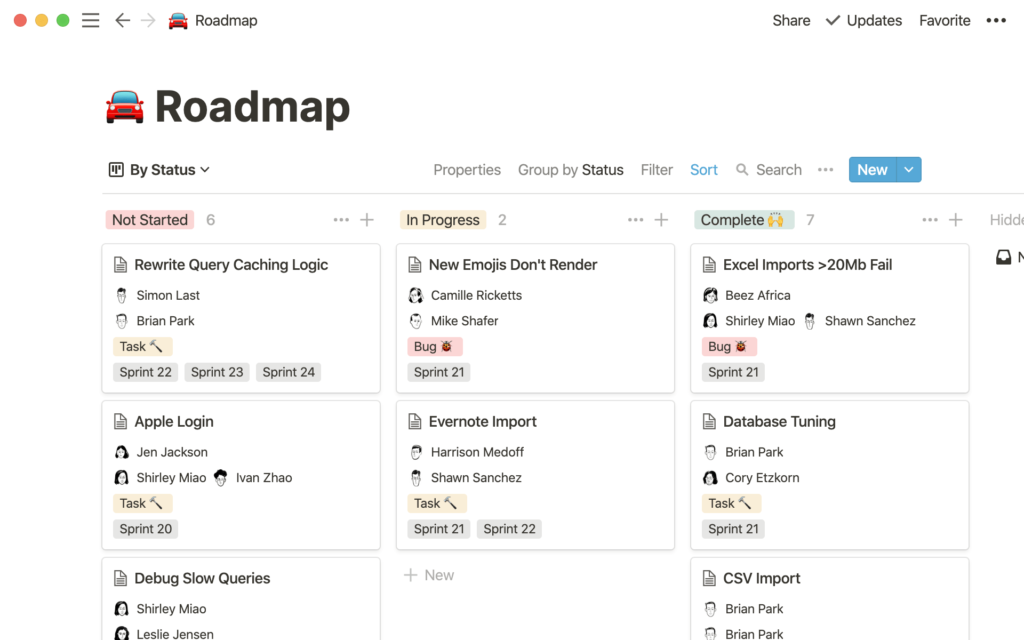
2. 🧠 MyUniSpace – The French ethical challenger (and very clever)
This French platform centralizes all the small tools of everyday life in a single space. No need to subscribe to 10 different services.
You can manage your tasks, send a file, correct a text, translate a message, generate a password, all that without creating an accountwithout advertising and hosted in Europe.
✅ Highlights MyUniSpace :
- One clean interface, accessible even without registration
- The useful tools are there: file transfer, task manager, fix IA, etc.
- One transparent philosophy : no tracking, no collection, no abuse
🔥 Best features:
- 🧠 IA super fluid corrector and translator
- ️ Time management tools + to-do very simple
- 📁 Secure file transfer without account
- 🔒 Password and Short Link Generator
- 🚀 "Headboard" to centralize everything
⚠️ Limits:
- Still little known, so less online tutos
💸 Price:
Free for most uses, as well as Pro subscriptions for advanced features.
If you like the idea of a personal digital assistant made in FranceIt's an emergency test. Frankly, it simplifies life.
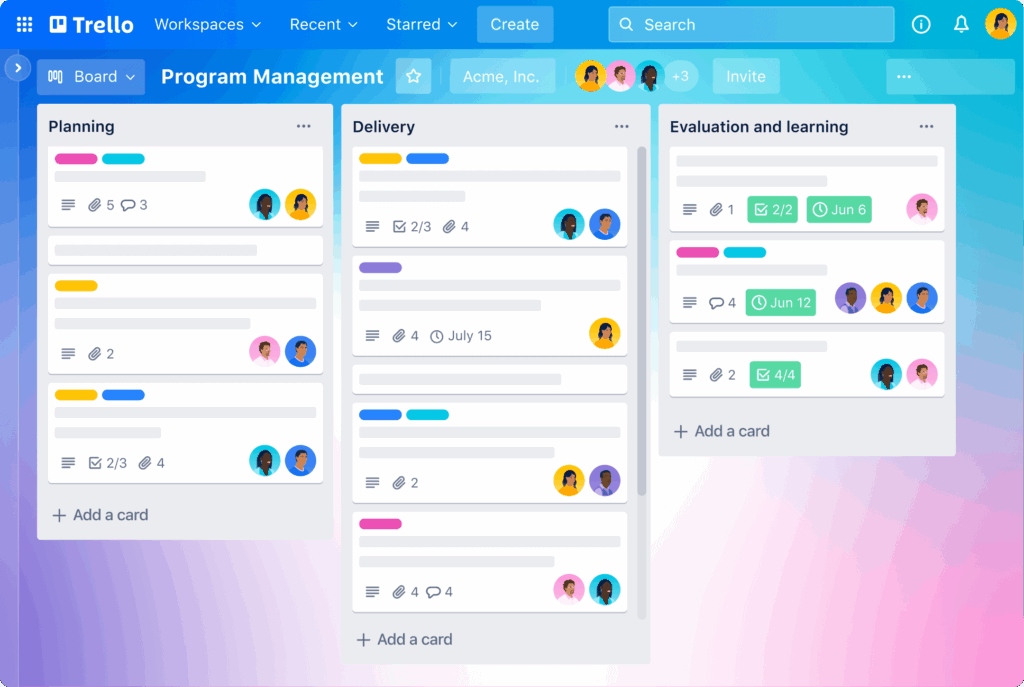
3. 🗂️ Trello – Visual task management tool
📊 Used in team management on several projects
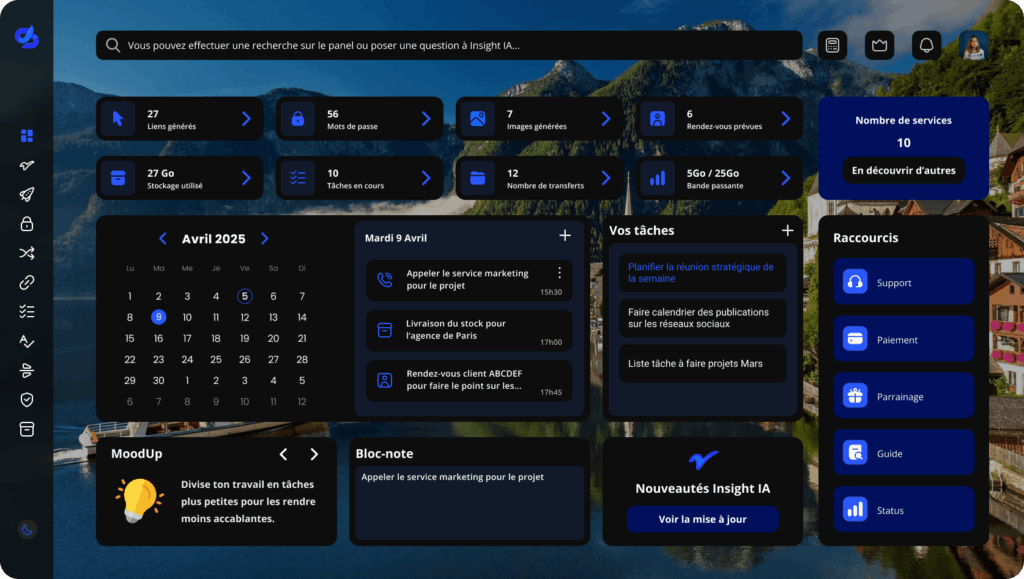
Trello is a classic. Its system of cards slipped into columns is incredibly intuitive. It's a perfect tool for teams who want to see at a glance who does what.
✅ Highlights:
- Hyper clear overview
- Suitable for all project sizes
- Fluid mobile app
⚠️ Limits:
- No integrated doc system
- Too basic for complex or tech projects
💸 Price:
Free with all classic functions. Premium version for automation.
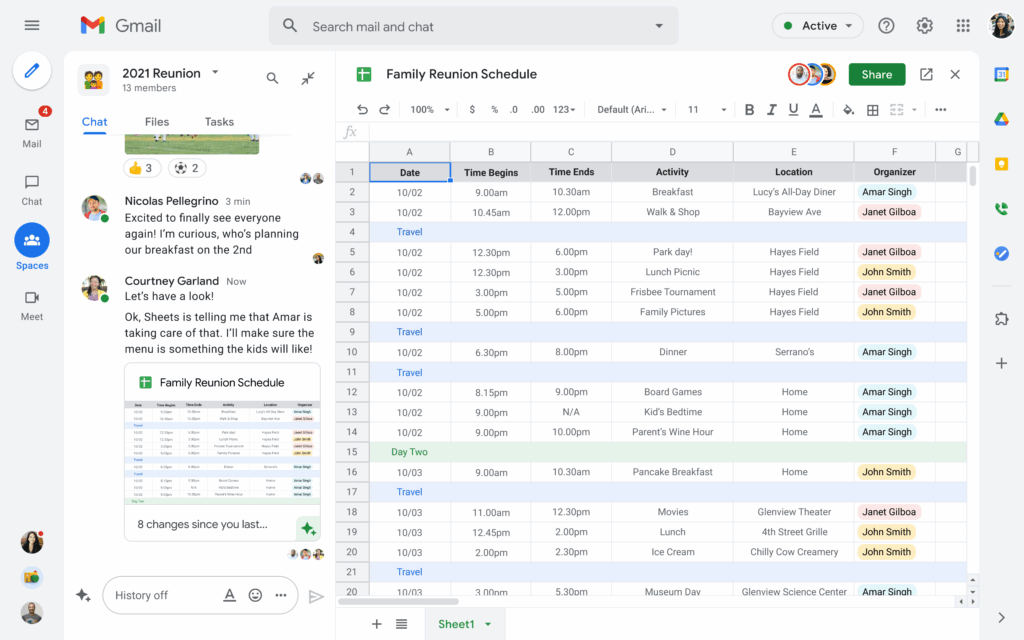
4. 🧰 Google Workspace – The good old collaborative base
📁 Used for writing, sharing docs, planning management
Docs, Sheets, Drive, Meet... Google Workspace remains a solid foundation. The integration between the tools is fluid, and the free version is enough for small structures.
✅ Highlights:
- Zero friction between tools
- Instant access via Gmail
- Easy to share and collaborate
⚠️ Limits:
- 💣 Your data is scanned. It's the deal.
- Some features become paid (storage, security, etc.)
💸 Price:
Free up to 15 GB. Then, subscription.
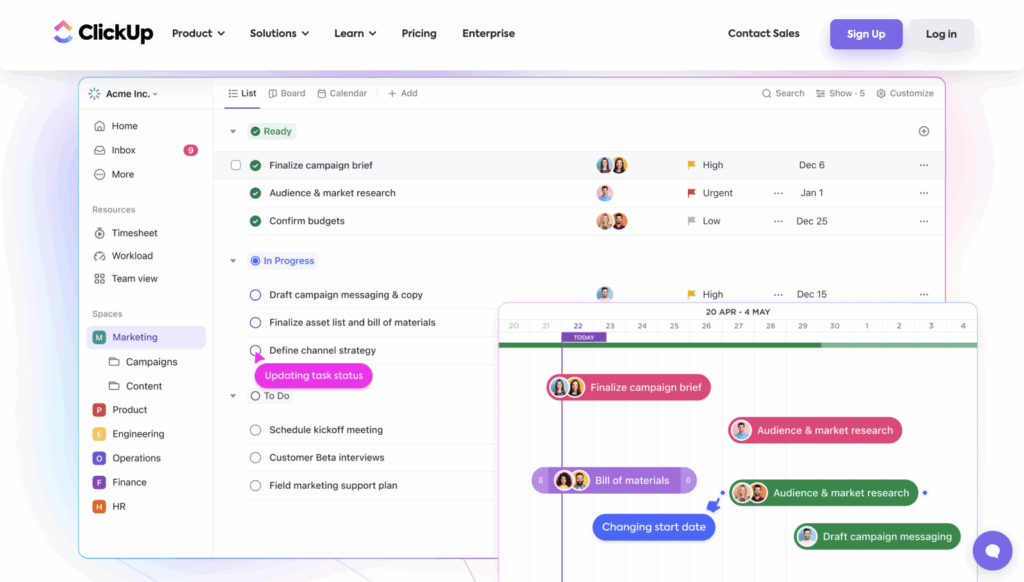
5. ⚡ ClickUp – All-in-one (and a little too often)
🧪 Tested as an alternative to Notion
ClickUp is a productivity platform that wants to do everything: task management, docs, time tracking, chat, automation. Clearly, it's powerful... but you have to hang on.
✅ What I liked:
- Ultra complete: everything is integrated
- Perfect for advanced workflows
- Dashboard very configurable
⚠️ Limits:
- Can quickly become overloaded
- Not intuitive enough
- Learning curve quite steep
💸 Price:
Free for a team with storage limit. Pay version from 5 $/month.
🔍 Why choose a centralized tool like MyUniSpace ?
👉 Because in 2025, this is no longer the number of tools that counts, but their consistency.
Many of us lose hours to alternate between Notion, Google Docs, Trello, WeTransfer, Canva, Slack... And each platform collects your data, multiplies IDs, and pushes you to pay.
🎯 MyUniSpace Break this schema :
- For small budgets
- A single space
- A coherent suite of tools
- Hosted in
📢 Bonus: try MyUniSpace free of charge
No need for a credit card. No trial period. No publicity.
👉 Create your space in 2 minutes